This course is a continuation of practices and techniques used in basic computer-aided drafting emphasizing advanced dimensioning techniques, the development and use of prototype drawings, construction of pictorial drawings, interfacing 2d and/or 3d environments and extracting data. A portfolio to be submitted for evaluation will be required.
These are the blocks commonly used in Computer-aided drafting.
AutoCAD blocks of appliances, doors, and windows look like this.
A title block normally depicts information about the project and construction company is building it. Above is what it looks like.
Here is a pdf of a construction document with dimensions.
This is what an elevation looks like.
Construction documents usually come in four different sizes: ARCH-A (8 1/2 in. X 11 in.), ARCH-B (11 in. X 17 in.), ARCH-C (18 in. X 24 in.), and ARCH-D (24 in. X 36 in.)
This structural detail drawing uses various hatch patterns, highlighting further details for the drawing.
Here is a sheet set for construction documents that have multiple plans on a single page.
These tables help differ the types of objects on plans.
AutoCAD has the command to create a table by extracting data from certain blocks.
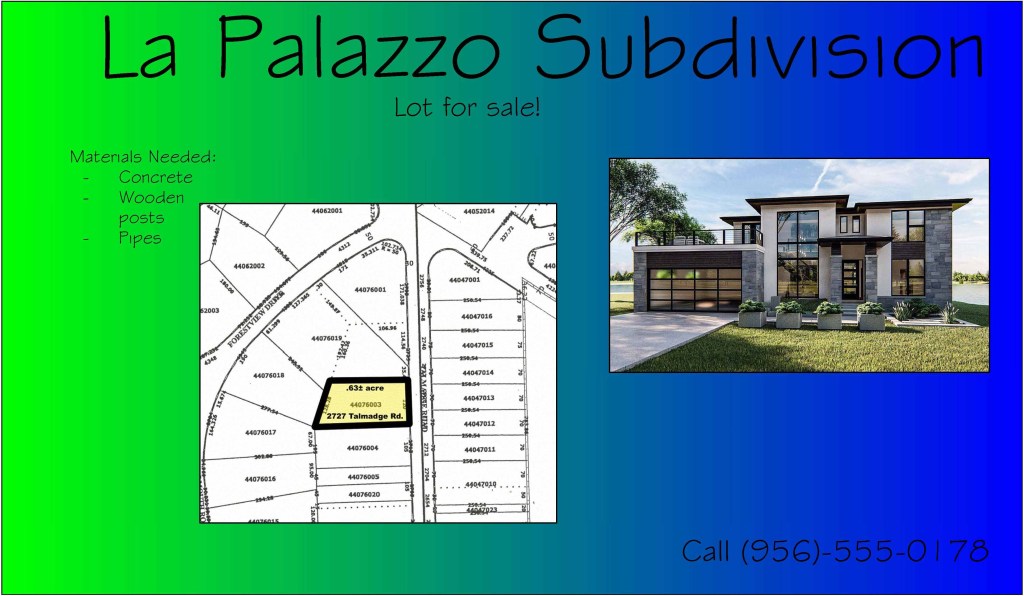
This is an image for a Subdivision Billboard that was made with AutoCAD.
Above is a sheet set of annotative resident documents that were created as a final project.
 AEDTportfolio